
As a content creator, you often rely on transcripts to quickly repurpose content, but did you know that you can transcribe your content with ChatGPT?
In this quick article I will show you exactly how you can do that and what the output looks like.
Navigating to the ChatGPT playground
The first thing to do is to navigate to the ChatGPT playground so you can transcribe your content with ChatGPT.
Here is the URL that takes you there: https://platform.openai.com/playground
And of course you need to be signed in to be able to use it.
ChatGPT-3 is free to use in the playground.
Think of privacy!
Before you upload any files to ChatGPT you should always check if you have permission to upload the content, if it is in breach with any data privacy regulations or if you would simply not want this content to be stored in the database and used.
If that isn’t a concern in your case. Carry on and transcribe your content with ChatGPT.
How to transcribe your content with ChatGPT
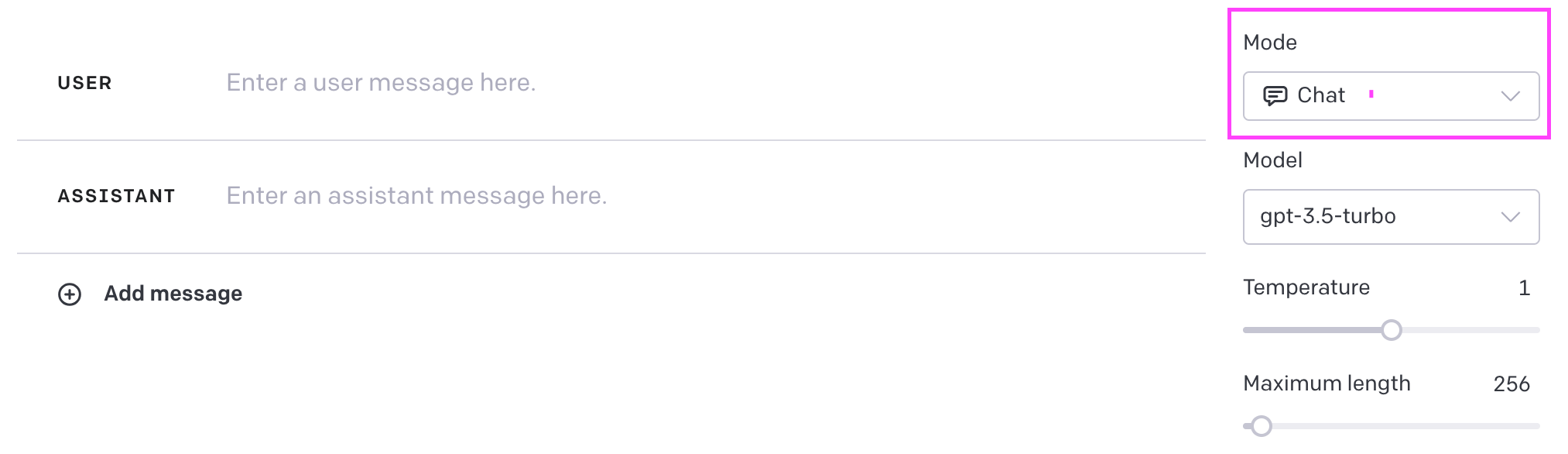
Right, so as soon as you navigate to the URL and you’re signed in, you will likely be presented with this view. This is the “chat” feature of the playground.

This is the same as the usual Chat you can access at https://chat.openai.com/
Now in the top right corner you can select the mode you want to use. Switch that to “Complete”.
The view will now change. And you see that your input box now has a mic icon.
Click that one next.

You can now either start recording a voice memo and convert specch to text OR you can upload recordings to ChatGPT and transcribe those.

Here I have uploaded an audiogram from an interview I recently did, so I can speed up the process of writing posts around it.
And here is the output it generated.
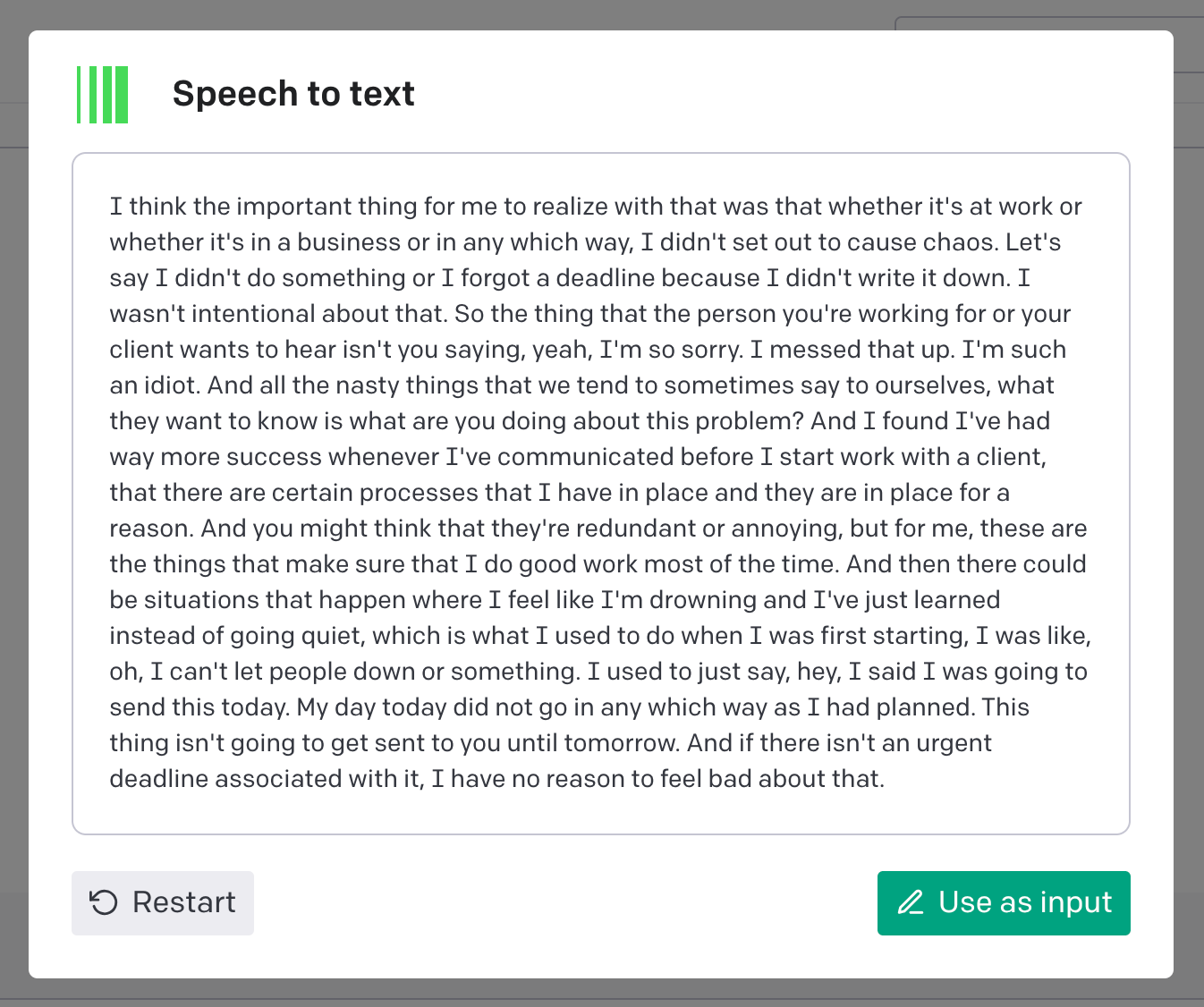
Overall this took 3 seconds and I can now use this as the basis for creating more content or I can just add it into my content database so I can write my own posts and repurpose them in future.
More Tools: If you’re looking for a good way to organise your content, you can get my Notion Content Database Template here.
I’m using this for all of my transcript now. It is faster than Otter.ai which is what I was using for years and the output is more accurate plus I can continue to work with my transcript right away.
How are you going to implement this in your business?
0 Comments